✦ AI post-production for creators

AI captions and automatic video editing.

RapidCaption removes pauses and retakes, styles captions, then adds smooth zooms, transitions and B-roll. You review every change.

  • ✓10 free credits
  • ✓No card required
  • ✓You approve every change
Examples of portrait creator videos edited with RapidCaption
Clean speechRemove pauses, filler words and repetitions
Style captionsGenerate, animate and emphasise key words
Add motionPlace smooth transitions and camera zooms
Your AI first edit

The busy work is already handled.

Start with a polished first edit, then keep, change or remove anything before export.

Smart Cleanup · Script & take review

Your script. The takes you choose.

Compare your recording with your script. Review repeated takes, spot off-script speech and check missing lines. Listen, choose what to keep, then preview your cuts.

From script to a cleaner recordingYou choose the cuts
!
Check missing script linesSee script words that were not found in the recording captions.
✓
Find where your script startsReview the lead-in before the first matching words.
UM
Remove fillers & false startsReview ums, uhs and short starts repeated as longer lines.
✂
Shorten long pausesChoose a pause threshold and keep room for natural breaths.

Add your script → Listen & review → Keep or remove
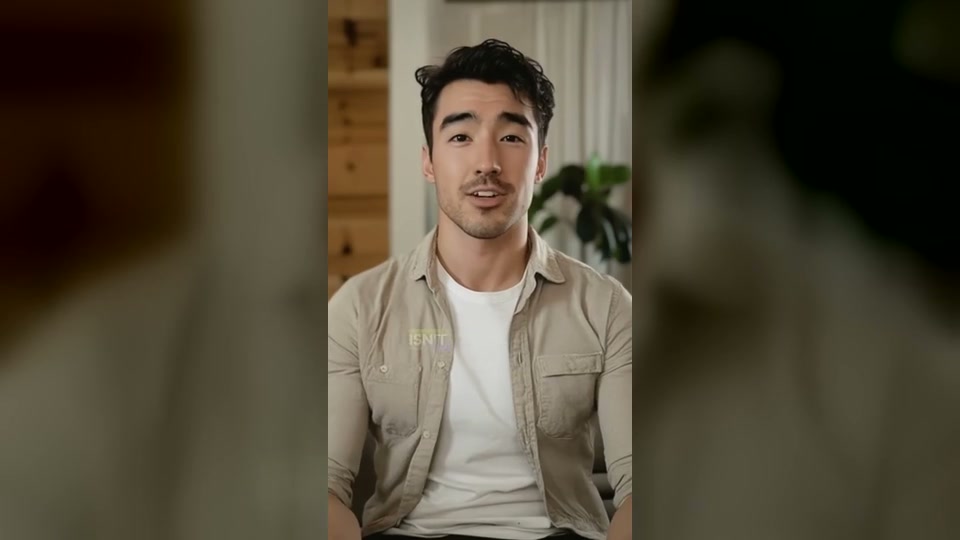
Made with RapidCaption

See the difference for yourself.

Explore before-and-after videos on our dedicated Examples page.

Explore before & after examples →
Complete editor

Everything you need. Nothing you don’t.

▣

Automatic & manual B-roll

Match stock visuals to your script automatically, or search and place them yourself.

Aa

Animated text

Add premium text templates with editable timing.

✥

Camera zoom

Control the area, strength and duration.

⌁

Editable timeline

Split, move, trim and resize every layer.

W

Per-word styling

Change one word without changing the full caption.

↓

Original-quality export

Download ready-to-publish video or MP3.

Simple monthly plans

Choose the minutes that fit your workflow.

Paid-plan credits refresh every month. Edit freely with the included tools, then credits are mainly used when you export the finished video.

Start with 10 free credits. No card required. Paid credits refresh automatically every month.

Free

Test RapidCaption on a real project.

$0
10 free credits · one time
  • 720p and 1080p preview
  • Limited caption styles
  • Trial access to key AI tools
  • Watermarked export
Start free

Starter

For new creators publishing consistently.

$4.99/ month
60 video minutes / month
  • 1080p export · no watermark
  • All caption styles
  • AI cleanup, zooms and transitions
  • Stock B-roll and SRT download
Choose Starter

Pro

For client work and high-volume production.

$19.99/ month
500 video minutes / month
  • Everything in Creator
  • 4K export
  • Priority processing
  • Longer videos and more storage
Choose Pro
Compare every plan feature
FeatureFreeStarterCreatorPro
Video minutes10 once60200500
1080p export✓✓✓✓
No watermark—✓✓✓
Caption templatesLimitedAllAllAll
Auto-remove pausesTrial✓✓✓
Remove repetitions / bad takesTrial✓✓✓
Auto zoomTrial✓✓✓
Auto transitionsTrial✓✓✓
Stock B-rollLimited✓✓✓
Custom fonts——✓✓
Brand presets——✓✓
4K export——Optional✓
Priority rendering———✓
How minutes and credits work

Edit freely. We do not charge again every time you click an AI editing feature.

  • Generate captions
  • Remove pauses
  • Remove repetitions and ums
  • Auto transitions
  • Auto zoom
  • Caption animations
  • Stock B-roll
  • 1080p / 30 FPS export1 credit / min
  • 60 FPS export1.5 credits / min
  • 4K export2 credits / min
  • AI image B-roll2 credits / image
  • AI video B-roll5–10 credits / clip
Editing tools are included: try different cuts, captions, zooms and transitions without repeated charges.Usage is counted at export: higher frame rates and resolution use more credits.
FAQ

Questions, answered.

Do I need editing experience?
No. RapidCaption creates the first edit and you approve it.
Can I change the automatic edit?
Yes. Every cut, caption, transition and motion card stays editable.
Can I use only one feature?
Yes. Each automatic feature can be used separately.
When do my credits refresh?
Starter, Creator and Pro credits refresh every month. The Free plan includes 10 free credits once so you can test the complete workflow.

Your first edit is one upload away.

Start free. No card required.

Start with 10 free credits →

Create captions and edit your video in one place

Upload a video, generate captions and review the transcript. Choose a caption style, then adjust the timing and appearance. Add speech cleanup, B-roll, zooms or transitions where they help your story, and preview the changes before exporting.

For example, turn a spoken tutorial into a captioned clip with shorter pauses and supporting visuals. Speech recognition and automatic edits can need corrections, so review names, cuts and image matches before publishing.

The free plan includes 10 credits once and watermarked exports. Paid plans and export settings determine available resolution and credit use. See the current plans and pricing before exporting.